

Jazzycat Login
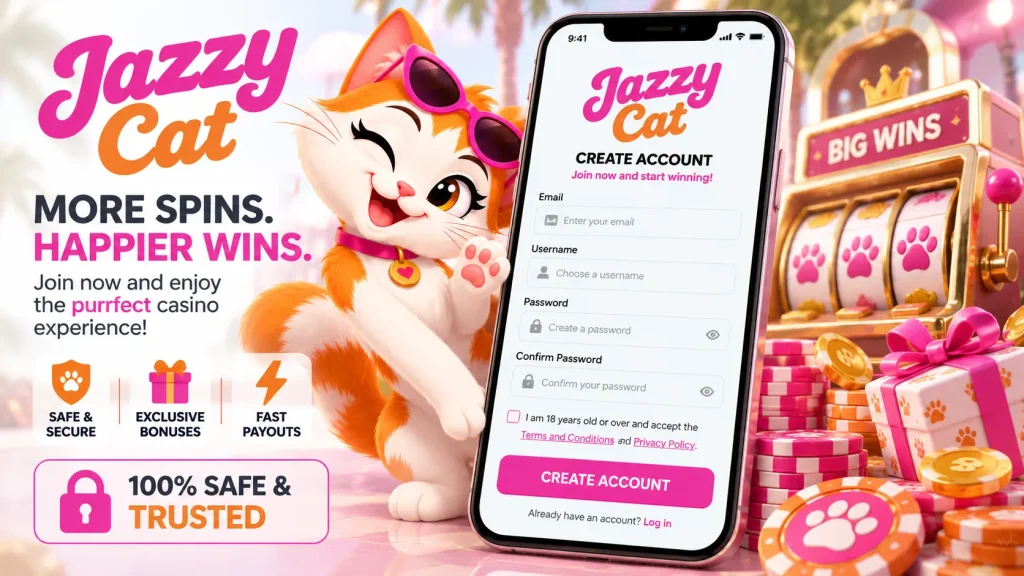
Getting into your account should never be the hard part of your evening. Whether you’re settling in for a few spins or checking your balance on the bus home, the Jazzycat login is built to take seconds, not minutes. This page walks you through signing in on web and mobile, recovering a forgotten password, fixing the most common access hiccups, and keeping your account locked down tight against anyone but you. If you’ve landed here mid-frustration because something’s not working, skip ahead to the troubleshooting table below — we’ve covered the real-world snags, not just the obvious ones.
Signing in on web and in the app
On desktop or mobile browser, the Jazzycat sign in process is simple: open our homepage, select the login button in the top corner, enter your registered email and password, and you’re in. If you’re using our app, the same credentials work, but you can speed things up considerably by enabling Face ID, fingerprint, or PIN unlock in your account settings after your first sign-in — no retyping a password on a small screen ever again.
Ticking “remember me” on a personal, private device keeps you signed in between sessions, which is handy if you check your account daily. We’d only suggest avoiding this on shared or public devices, for obvious reasons. Between biometric unlock and stay-logged-in on trusted devices, most returning players are inside their account faster than their coffee finishes brewing.
New here? Registration first
If you haven’t created a profile yet, you’ll need to register before any Jazzycat login attempt will work. Head to our homepage, hit sign up, and fill in your details — email, date of birth, and a strong password. Once verified, that same email and password combination becomes your permanent Jazzycat login, usable interchangeably across our website and app. There’s no separate account for mobile; everything syncs automatically, including your balance, saved games and preferences, so switching between devices mid-session is completely seamless.
Resetting a forgotten password
Forgetting a password is common and easily fixed. On the login screen, select “Forgotten password”, enter the email tied to your account, and we’ll send a reset link within a few minutes. Open it, follow the prompt to set a new password, and sign back in immediately with your new credentials.
- Click “Forgotten password” on the Jazzycat login screen
- Enter your registered email address
- Check your inbox — and spam or junk folder, since reset emails occasionally land there
- Click the link within 30–60 minutes before it expires
- Set a new, unique password and log in
If the link has expired, simply request a new one — don’t try reusing an old one. If no email ever arrives, double-check you’re using the address you originally registered with; an outdated or mistyped email is the most frequent cause. Still stuck? Our support team can update the email on file once they’ve verified your identity.
Common login problems and how to fix them
Most sign-in failures trace back to a handful of predictable causes. Before assuming something’s seriously wrong, run through this list — it resolves the overwhelming majority of cases we see from UK players.
| Issue | Fix |
|---|---|
| Wrong password / caps lock on | Retype manually rather than relying on autofill, which sometimes enters stale saved credentials |
| Browser won’t load login page | Clear cache and cookies, or try a private/incognito window |
| Connection keeps dropping | Switch from public Wi-Fi to mobile data, or vice versa |
| Using a VPN or travelling abroad | Disable the VPN — unusual locations can trigger a security flag on your account |
| Account shows “pending verification” | Complete KYC document upload; access resumes once approved |
| Too many failed attempts | Wait out the temporary lock or reset your password to unlock immediately |
If none of these apply, contact support directly rather than repeatedly retrying — repeated failed attempts extend any lockout period unnecessarily.
Keeping your account secure
A Jazzy cat login is only as safe as the habits behind it. We strongly recommend enabling two-factor authentication (2FA) in your account settings — even if your password were ever compromised, a second code means an attacker still can’t get past the door. An authenticator app (like Google Authenticator) is generally more secure than SMS codes, which can occasionally be intercepted.
Use a strong, unique password you don’t reuse elsewhere, and keep the email address linked to your account secure too, since password recovery runs entirely through it. We’ll never ask for your password or a verification code by email, live chat, or phone — if you receive a message claiming to be from us requesting either, it isn’t genuine. Always type our web address directly rather than clicking links in unsolicited messages. Login alerts for new devices are worth keeping switched on; they’re often the first sign something’s off.
Recognising phishing attempts
Phishing emails impersonating casinos are unfortunately common across the UK gambling sector. Watch for urgent language (“verify now or lose access”), links that don’t match our actual domain, or requests for your password outright — none of these come from genuine Jazzycat communications. When in doubt, close the email and navigate to our site directly from your browser or bookmark. If you’ve clicked something suspicious and entered details, change your password immediately and contact us so we can review your account activity together.
If your account is blocked or under review
Seeing a blocked or restricted account is unsettling, but there’s usually a straightforward, legitimate explanation. It might be a temporary lockout from failed login attempts, an identity verification step we require before withdrawals (standard under UK licensing obligations), a routine security review, or limits you’ve set yourself through our responsible gambling tools, including self-exclusion. Each has a clear path forward: wait out a lockout or reset your password, submit the requested ID documents for verification, or contact us directly if you believe a restriction was applied in error. We won’t promise exact unlock timeframes, since reviews vary in complexity, but we will keep you informed as your case progresses rather than leaving you guessing.
Getting help when you need it
If you’ve worked through the steps above and you’re still locked out, our support team is reachable via 24/7 live chat directly from the Jazzycat website, or by email if you prefer a written trail. Have your registered email address and username ready — never share your password with anyone, including our own staff, who will never ask for it. The more detail you can give upfront (when the issue started, any error message shown), the faster we can sort it. Our help centre also covers many of these scenarios in more depth if you’d rather self-serve first. Whatever the issue, getting you back into your account safely and quickly is always the goal.